Premium FiveM Job Scripts for QBCore & ESX
FiveM job scripts turn dead map blips into careers your players work: mechanic bays, hunting routes, EMS calls, and player-owned dealerships with pay, ranks, and progression built in. This category collects 35 job packs and standalone gigs for QBCore, ESX, and Qbox, so you can add new ways to earn without rewriting your framework. Expect config-driven pay rates, whitelist and grade locking, and ox_target / qb-target support that slots into the interaction system you already run.
Scripts in this category
35 products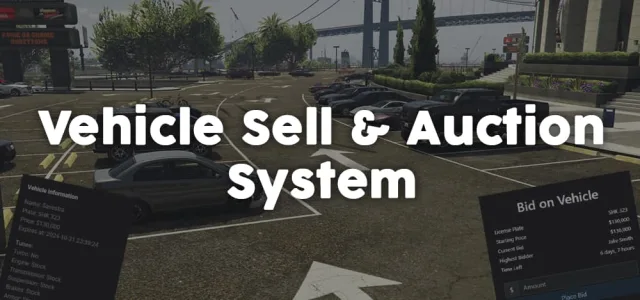

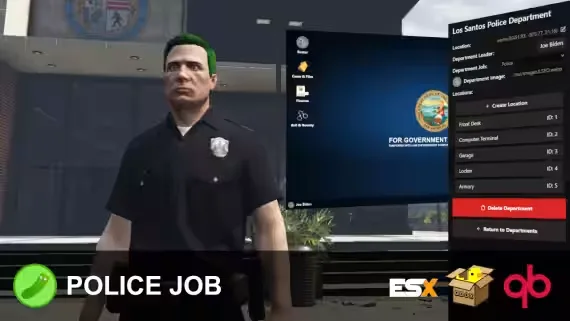

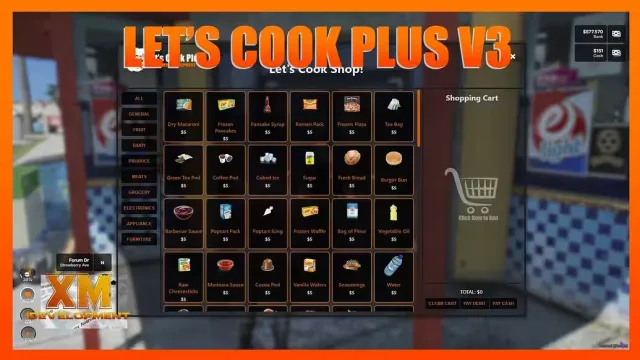

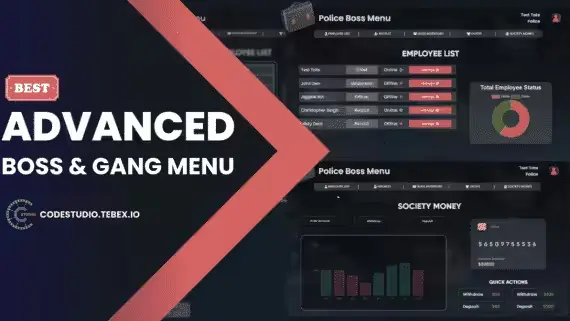
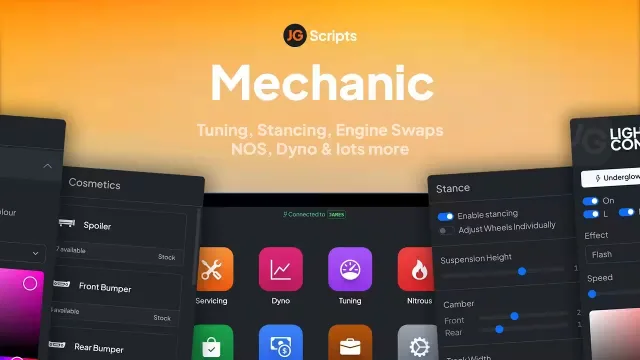
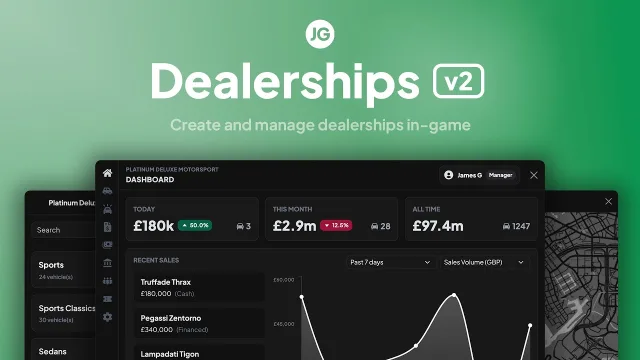


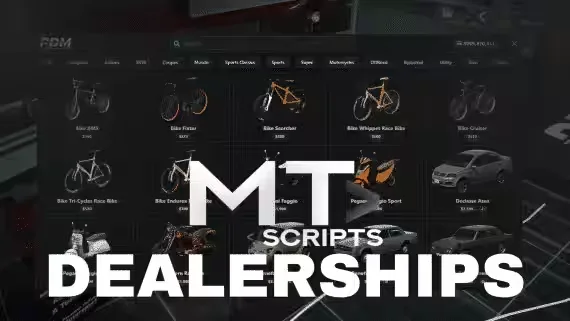




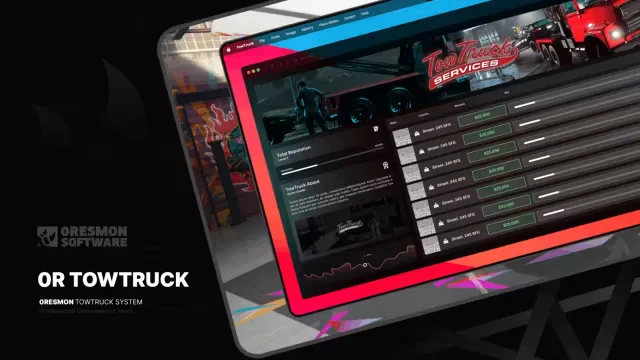

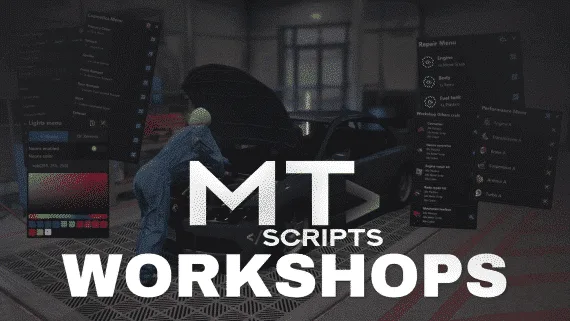


A job script is what keeps players logged in past the first hour. When someone can clock in as a mechanic, run a hunting route past Paleto, or buy into a dealership and flip cars for profit, your map stops being scenery and starts being a place to grind. This category collects 35 job packs and standalone careers for QBCore, ESX, and Qbox, from full police and EMS loadouts to niche gigs that fill the gaps between the big whitelisted departments.
The mix here covers both sides of the economy. Service jobs like mechanic and EMS give players a reason to answer a call, while earner jobs like hunting, mining, and delivery let solo players make money without waiting on anyone. JG Mechanic Script and JG Dealerships v2 handle the garage side, repairs, part swaps, and player-owned lots, while Hunting by Pickles covers the outdoors loop for servers that want something to do away from the city.
Good job packs also carry progression. Ranks, unlocks, and boss menus turn a single gig into a career ladder, which is what separates a job players try once from one they log in to work every night.
What to look for in job scripts
- Payout config you control: pay rates, cooldowns, and item rewards should live in a config file, not hardcoded, so you balance the economy on your own server without touching Lua.
- Whitelist and grade support: police, EMS, and any restricted career need job locking and rank grades that respect your existing society and boss menu setup.
- Target and interaction compatibility: ox_target and qb-target support means clock-in points, repair spots, and NPC handlers slot into the interaction system you already run.
- Clean job menus: an NUI menu that matches a NoPixel-style HUD reads better than a stack of chat commands, and it keeps new players from getting lost on their first shift.
- Resmon that holds on a full grid: a job that idles low when nobody is using it and stays reasonable under load is the difference between one script and thirty running at once.
- Standalone or framework-native: check whether a gig runs standalone or expects QBCore or ESX exports, so you know what it leans on before install.
Compatibility & installation
Most packs here are built for QBCore, ESX, or Qbox, and many ship with support for more than one out of the box. Framework-native jobs hook into your society accounts, boss menus, and player money so payouts land where your economy already tracks them. Standalone gigs like hunting loops care less about your framework and more about ox_lib and your target resource.
Installation follows the usual pattern. Drop the resource into your resources folder, add the ensure line to your server.cfg, import any SQL for player-owned assets or job data, and set your jobs in the shared config. Scripts that use ox_lib and ox_inventory expect those already running, so confirm your dependencies before you start a shift. If you plan to edit internals rather than just the config, check whether a resource is escrow or open source on its product page first.
Why buy from us
Every job script here is a real release from a known FiveM developer, not a leak repacked under a new name. Each product page lists framework support, dependencies, and whether the code is escrow or open, so you know what you are running before it hits your server. Buy the pack, get the files and the updates, and drop a new career into your server the same night. When something breaks after a QBCore or ESX update, an updated resource beats a dead download link, and that is what you are paying for.
Frequently asked questions
Which frameworks do these job scripts support?
The catalog covers QBCore, ESX, and Qbox. Many packs support more than one framework out of the box, and each product page lists exactly which ones it runs on. Standalone gigs like hunting loops depend less on your framework and more on ox_lib and your target resource.
Do I need ox_lib or a target script installed first?
Most modern jobs expect ox_lib, and many use ox_target or qb-target for clock-in points and interactions. Some also rely on ox_inventory for item rewards and tools. Confirm the listed dependencies on the product page and make sure they are already ensured in your server.cfg before install.
Can I change pay rates and cooldowns?
Yes. Well-built job scripts keep pay, cooldowns, and item rewards in a config file so you can balance them against your own economy without editing Lua. This lets you tune a mechanic or hunting payout to match how much money already circulates on your server.
What is the difference between escrow and open source here?
Escrow resources ship with encrypted core files while leaving the config open for editing, so you can adjust settings but not the internals. Open source releases give you the full code to modify. Each product page states which one applies, so check before you buy if you plan to rewrite logic.
Are player-owned businesses like dealerships and mechanic shops supported?
Yes. Packs such as JG Dealerships v2 and JG Mechanic Script handle player-owned lots, repairs, and part swaps with boss menus and society banking. These usually need an SQL import during install so ownership and stock persist through restarts.
Will these run alongside the jobs I already have?
Framework-native jobs register as new entries in your existing job system, so they sit next to your current careers rather than replacing them. Watch for duplicate job names and overlapping clock-in points at the same location. Adding a career is usually as simple as ensuring the resource and defining it in your shared config.