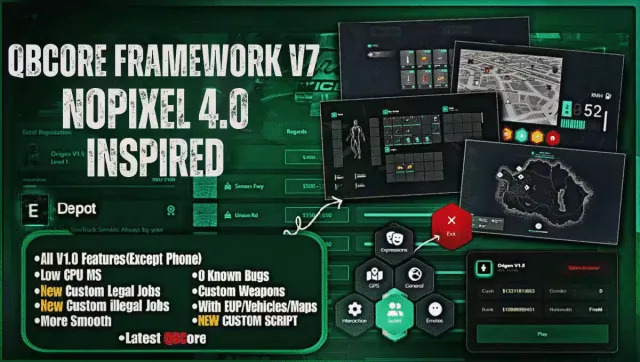
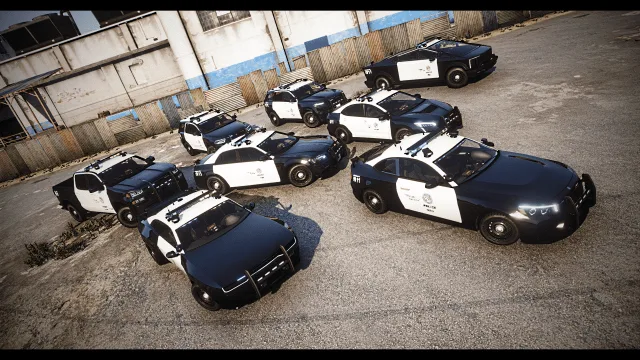
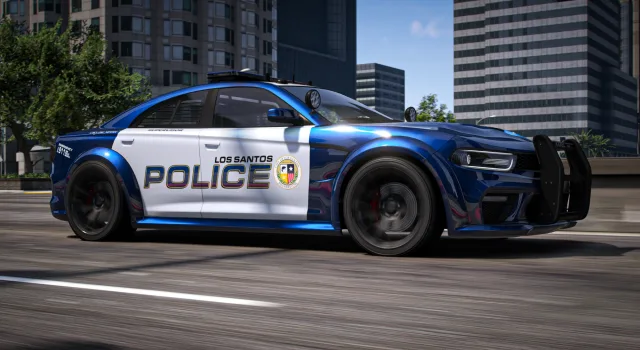
FiveM Cars covers the vehicle side of a roleplay server, from the cars players drive to the scripts that let them buy, key, and store them. The nine entries here range from a lore-friendly police vehicle pack with eight builds to full QBCore framework releases like V6 and the V7 NoPixel 4.0 build, so you can grab a single fleet or a base your whole server runs on. If you are stocking a dealership, kitting out your emergency services, or replacing the stock traffic, this is where the vehicle content and the systems that manage it sit together.
Most packs here are built to drop straight into a stream folder and show up in game without touching your existing handling. That matters when you already have a garage and key system you like: you want new cars, not a fight with your framework. The police pack, the EVP emergency sets, and the debadged civilian cars all follow that pattern, while the QBCore builds bring their own dealership, garage, and key plumbing if you want the whole stack from one place.
What to look for in FiveM cars
- Add-on vs replace: add-on vehicles sit alongside the base game list and need a spawn name in your dealership or trainer. Replace vehicles overwrite a stock model, handy for lore-friendly police cars that should look native.
- Handling and metas: clean handling.meta and vehicles.meta values keep cars from flipping or floating. A lore-friendly pack should feel like the base game, not an arcade mod.
- Resmon cost: streamed vehicles are cheap at idle, but LOD quality and texture size add up. Check the pack ships proper LODs so twenty cars on screen do not tank your frame time.
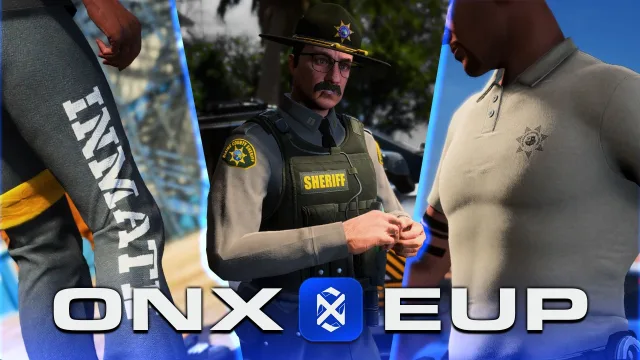
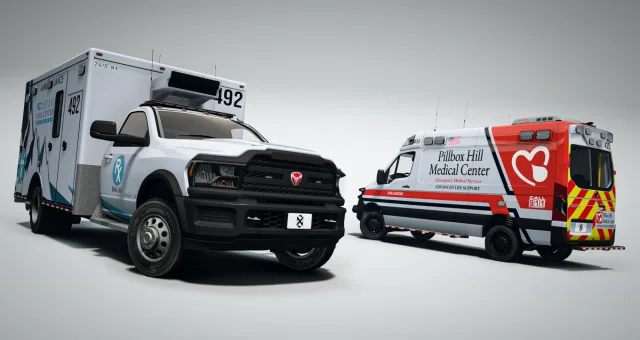
- Liveries and EUP: emergency packs live or die on their liveries and matching uniforms. Confirm whether EUP is included or expected before you promise your PD a new fleet.
- Framework hooks: if you run QBCore, ESX, or Qbox, decide whether you want standalone cars or a build that already talks to your garage, keys, and dealership.
Compatibility & installation
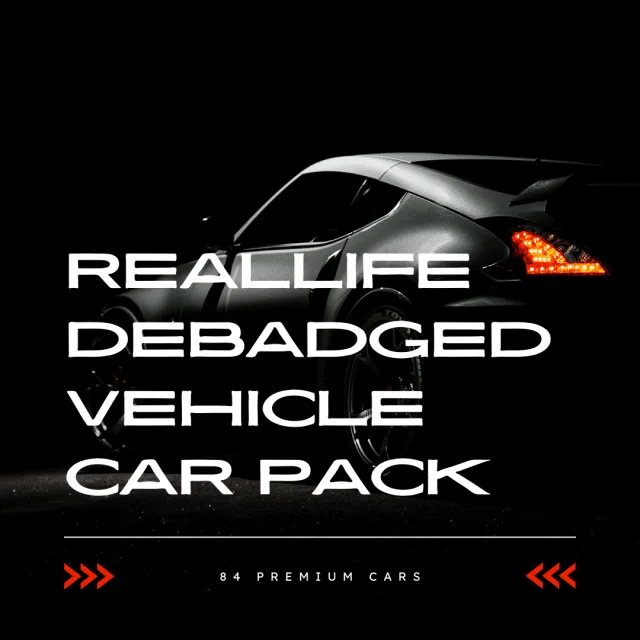
The vehicle packs are framework agnostic. A car is streamed assets plus meta files, so a police pack or the 84-car debadged set drops into any FiveM server regardless of whether you run QBCore, ESX, or Qbox. You unzip the resource, drop it in your resources folder, add one ensure line to server.cfg, and the spawn names are ready for your dealership, garage, or admin menu.
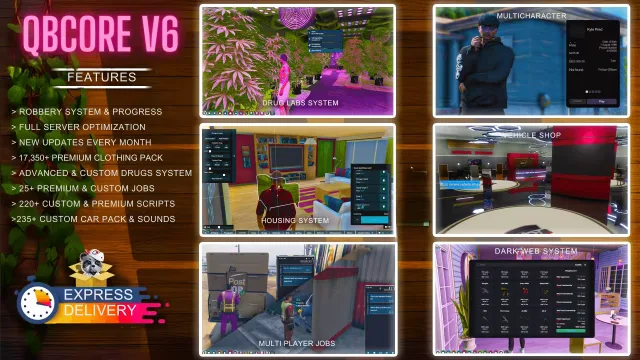
The QBCore Framework entries are a different job. V6 and the V7 NoPixel 4.0 build are full server bases, so treat them as the foundation you install first, then layer scripts and vehicles on top. If you already run a live server, read the version notes before dropping a new framework in next to your current one.
For emergency and EUP content, remember two folders matter: the vehicle stream and the clothing or EUP resource. Load order counts. Put shared libraries and EUP ahead of the packs that depend on them in server.cfg so liveries and uniforms resolve on first join.
Why buy from us
Every listing shows what it actually contains before you pay: the police pack states its eight vehicles, the civilian set states its 84 debadged cars, and the framework builds name their version and NoPixel base. You are not guessing at a vehicle count from a hype trailer.
Delivery is instant. You download straight after checkout and can have a pack streaming on a test server in a few minutes, which is the point of drag-and-drop vehicle content. If you are building a PD fleet, a dealership lineup, or a fresh QBCore base, you can pull the pieces from one place and know they were made for FiveM servers, not ported from a random model site.
Stocking cars is one of the fastest ways to make a server feel like yours. A distinct police fleet, a dealership that sells something other than the base game list, and traffic that does not scream stock GTA all read to players the second they spawn in. Start with the pack that fixes your most obvious gap, then build the rest of the garage from there.