Frameworks
Match the resource to the server you run
A framework label narrows the search. The product record supplies the next questions: which version, which dependencies and which existing systems the resource expects to use. Keep your inventory, interaction and database resources in view while comparing QBCore, ESX or Qbox entries.
Standalone means the resource does not rely on a particular roleplay core. It can still have other requirements, so check the listing for libraries, game builds, asset access and configuration details.
What is listed
Choose the part of city life you want to change
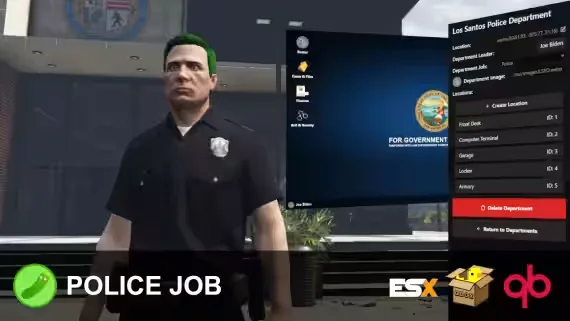
A player job needs an activity and an outcome. A department needs places to work and records to keep. A vehicle needs somewhere to be sold, stored and serviced. Read the catalogue with one of those projects in mind and the relevant entries become easier to compare.
Search for a resource you already know, or open a category to compare related entries. The register continues across pages, while each product record holds the longer description and any stated dependencies.
Delivery
Keep the order details with the download
After payment is confirmed, the order email provides the download links. Use an address you can access and keep the message so that the files and order reference are available when you are ready to install.
If the message or links are missing, contact us from the purchasing address with the order details. Check the resource instructions separately for any licence or asset-access steps required to run it.
Updates
Read the support and update details on the record
Before ordering, review the package information and ask about anything your setup depends on. For a support request, include the resource, framework version, relevant dependencies and the result you expected. Those details make an installation issue easier to understand.
Package details
Know what the purchase supplies
A map supplies a location; a job script supplies an activity. Some packages combine several parts, while others expect you to connect them to resources you already use. Compare the included files and features with the full project you have in mind.
Check source access, licence conditions and any additional requirements on the individual record. A familiar name or a large feature list does not answer those questions on its own.
Price
Compare an individual entry with a resource set
Use the current price shown on the listing, including any displayed reduction, when planning your purchase. Check the cart total and order requirements before completing payment.
A bundle groups several catalogue entries into one offer. Read its contents and displayed saving, then check whether you already own any of the included resources or only need one part of the set.