Police Tracker Darts
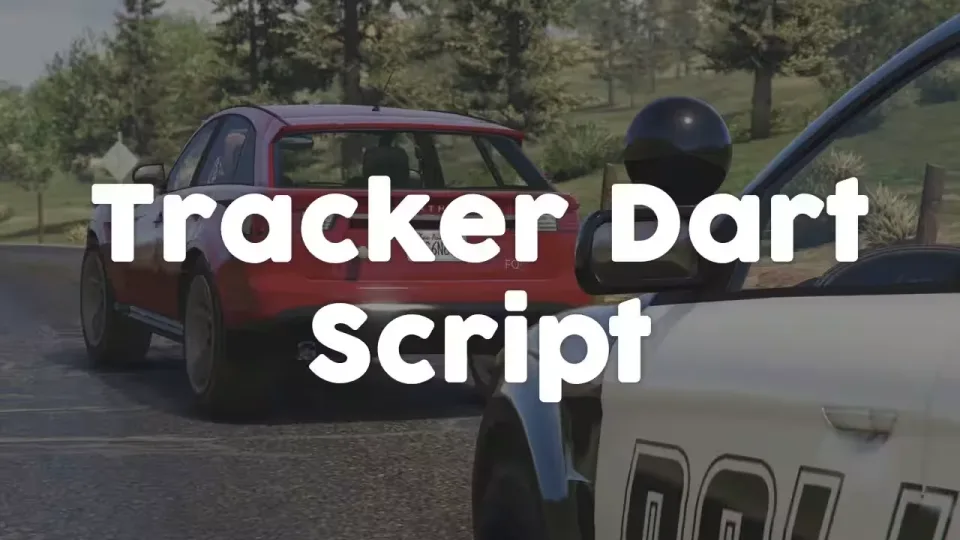
Contact sheet 2
What it does
Published by the creator on this listing.
01Fire tracker darts on a configurable keybind
02Single dart mode allows one active dart
03Previous dart destroyed automatically when a new one deploys
04Interactive tracking overlay toggled with an assigned key
05Dart usage restricted to police and sheriff jobs
06Tracker system install requires an inventory item
07Set dart capacity per authorized vehicle
08Darts self-destruct after a configurable duration
The record
Tag a fleeing car with a dart and follow the blip
Police Tracker Darts
Equip law enforcement with a tracker dart kit for real-time vehicle tracking. Easy to configure, efficient, and built to give police and sheriff departments something tactical to reach for in a pursuit. Works on ESX, QBCore and Qbox.
Features
- Dart Deployment: shoot a tracker dart at a vehicle using a configurable keybind.
- Single Dart Mode: limit tracking to one active dart at a time, ensuring precision and realism.
- Old Dart Management: automatically destroy the previous dart when deploying a new one.
- Overlay Interface: open an interactive overlay using a configurable key.
- Job Restrictions: restrict dart usage to specific jobs like police and sheriff.
- Tracker System Installation: optionally require players to install a tracking system before deploying darts, using an inventory item.
- Vehicle Restrictions: limit tracking system installation to specific authorized vehicles.
- Dart Capacity: set the number of darts a vehicle can carry for balanced gameplay.
- Self-Destruct Mechanism: automatically remove a dart after a configurable duration.
- Blip System: customizable vehicle blips.
- Optimized Performance: efficient script with minimal resource consumption.
How It Works
- Install the tracker system: use the required item to install a tracker system on a vehicle before use.
- Open the overlay: use the assigned key to toggle the tracking overlay.
- Shoot the dart: press the configured key to fire a tracker dart at a vehicle.
- Mind the limits: vehicles can only carry a set number of darts, keeping tracking balanced.
- Remove a dart: approach a vehicle and pull an attached dart off when necessary.
The system is highly configurable, from dart behavior to blip customization and more, so server owners can tweak the settings to fit how their departments actually run.
No reviews on file
Nobody has reviewed this listing yet. If you bought it, yours goes below and is published once it clears moderation.
Write a review
Reviews are moderated before appearing. Purchased the product? Your review gets a VERIFIED badge automatically.
Filed alongside
Other entries in the same part of the catalogue.
-
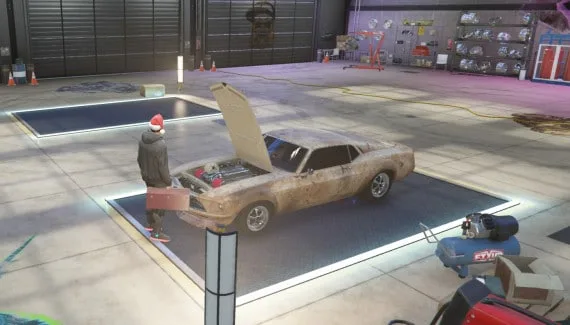
QBCore Mechanic Job V2.5
Run QBCore workshop tasks from everyday repairs through customisation and NOS.
$20.00
-
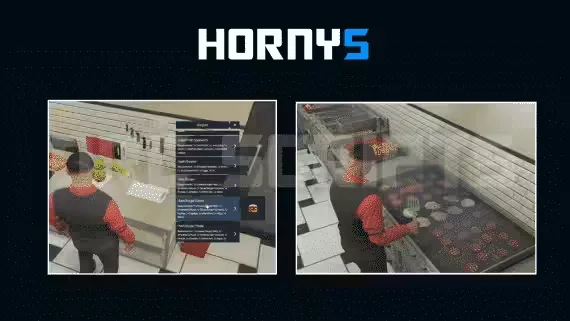
DRC Hornys Job
Stock Horny's with an extensive item menu and send orders on delivery routes.
$10.00
-
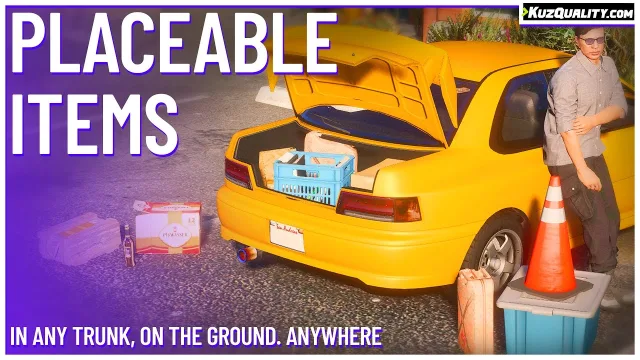
KuzQuality Placeable/Throwable Items
Move inventory objects into the world so characters can carry, set down or throw them.
$10.00
-
 NEW
NEWFREE OBD Car Device
Connect a diagnostic device to inspect faults and live readings from a vehicle.
FREE
-
Remote Control Cars With Nitrous and Bombs
Nine RC cars, each its own item with craftable addons
$9.00
-
FREE Advanced Crafting: Tech Trees and Workbenches
Players unlock recipes branch by branch at benches they can place, share and protect.
FREE